Establish a Remote Support Connection
During a routine troubleshooting process, our technicians may require temporary remote access to your computer. Use this process to connect to a secure remote session a Horizon technician has prepared for you.
Procedure
- Open a web browser and navigate to https://horizon.help.
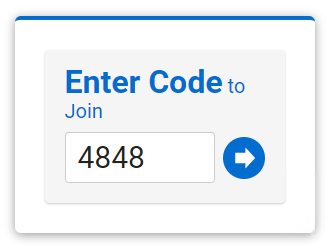
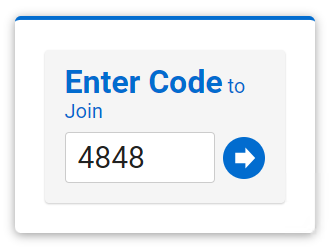
- You will be prompted to enter a code; Your technician will provide your personal code, type the code and click the blue arrow button:
- A file called ScreenConnect.Client.exe will be downloaded, click the file to run the remote connection tool.